, exam pattern, and step-by-step registration guide..avif)
Download Gyan Bharat App
Download


7/9/2026
JNVST ADMISSION 2027–28
Complete guide to the JNVST Class 6 correction window, editable details, login process and important form correction tips.
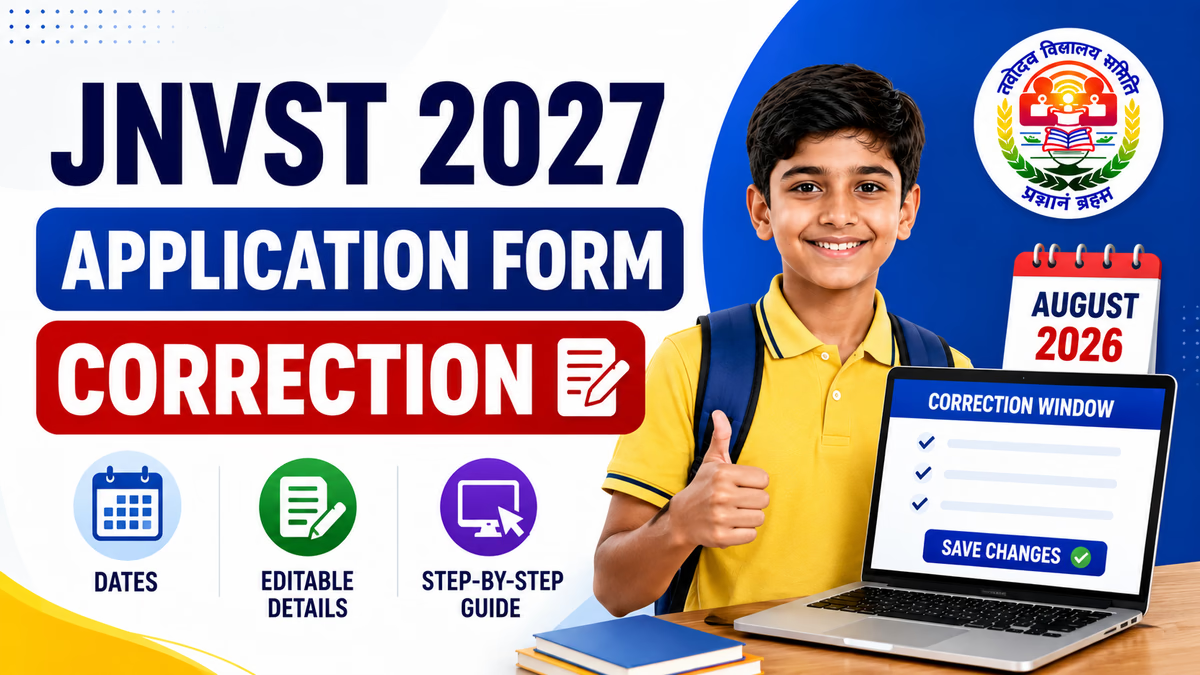
The JNVST 2027 Application Form Correction facility is important for parents and students who discover an error after submitting the Navodaya Class 6 admission form. A spelling mistake, incorrect category selection or other wrong information in the application may create difficulties during the admission and document verification process.
The JNVST 2027 correction window gives eligible applicants a limited opportunity to review and correct permitted information in the submitted application. Parents should use this facility carefully because the correction period may remain available only for a short time.
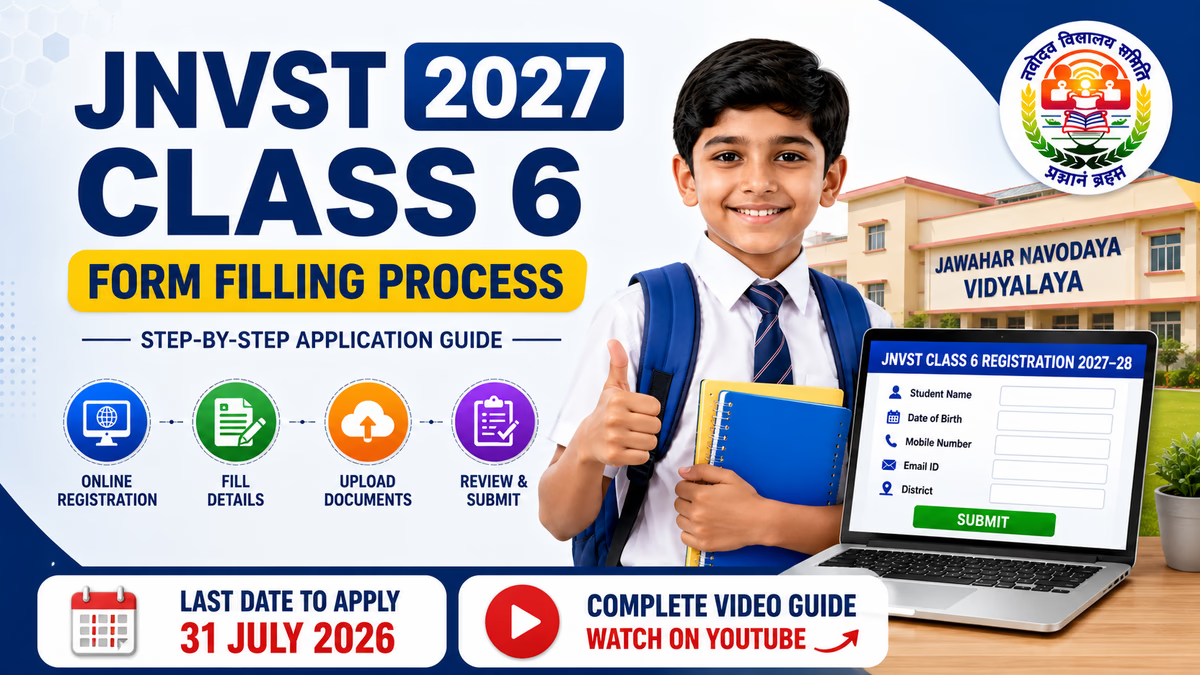
The Class 6 registration process for the 2027–28 admission session is scheduled to close on 31 July 2026. The correction facility is expected after completion of the application process. Candidates should regularly check the admission portal for the activation of the correction link and the exact correction deadline.
Important JNVST 2027 Correction Update
The exact correction-window opening and closing dates should be checked when the correction link is officially activated. Do not depend on an estimated date. Candidates should use the correction facility within the period displayed on the admission portal.
| Particular | Details |
|---|---|
| Exam | Jawahar Navodaya Vidyalaya Selection Test |
| Admission Class | Class 6 |
| Academic Session | 2027–28 |
| Application Last Date | 31 July 2026 |
| Correction Window | Expected in August 2026 |
| Correction Mode | Online |
| Correction Period | Limited period as displayed on the portal |
The JNVST correction window 2027 is an online facility for candidates who have already submitted the Class 6 application form and need to correct permitted information. The facility is generally provided after the main registration process is completed.
Candidates do not need to submit a completely new application simply because they notice a correctable mistake. If the relevant field is available for editing during the correction period, the applicant can log in, make the required change, review the updated details and save the corrected application.
The JNVST Class 6 application process for the 2027–28 session is scheduled to close on July 31, 2026. The application correction facility is expected to become available after the registration process closes.
| JNVST Event | Date / Status |
|---|---|
| Class 6 Application Process | July 2026 |
| Registration Last Date | 31 July 2026 |
| Correction Window | Expected in August 2026 |
| Exact Correction Deadline | Check after correction link activation |
Parents should not wait until the final correction day. As soon as the correction link becomes available, review the application and complete any required changes. This provides additional time to check whether the corrected information has been saved successfully.
The fields available for correction may be controlled by the online portal. Candidates should check the actual correction page to identify which application details are editable.
Do not assume that every field in the submitted JNVST application can be changed. Some information may remain locked, while selected details may be made available for correction.
Important: The list above is a review checklist. The final editable fields are the fields actually enabled in the correction portal. If a field is locked, candidates should not assume that it can be changed through the online correction facility.
STEP 1
Visit the JNVST Class 6 admission portal and look for the correction-window or application-edit option for the 2027–28 registration cycle.
STEP 2
Click the correction option for Class VI registration. Make sure you are using the correction facility for the correct academic session.
STEP 3
Enter the registration details requested on the correction page. Keep the candidate's registration information ready before opening the correction facility.
STEP 4
Read every section of the submitted form carefully. Compare candidate details with school records and available supporting documents before making a change.
STEP 5
Correct only the information that is wrong. Enter the revised detail according to valid records. Avoid changing correct information unnecessarily.
STEP 6
Before saving the correction, check spelling, numbers, selected options and other edited information. A second review can prevent another data-entry mistake.
STEP 7
Use the save, update or submit option displayed on the correction portal. Do not close the page while the updated application is being processed.
STEP 8
After successful correction, save the updated application or confirmation details if the portal provides a download or print option. Keep the latest copy for future reference.
| Important Link | Action |
|---|---|
| NVS Official Website | VISIT WEBSITE |
| JNVST Class 6 Registration Portal | CHECK PORTAL |
| Class 6 Correction Window | CHECK AFTER ACTIVATION |
Parents should keep the candidate's submitted application and relevant records nearby before making any correction. Compare the information carefully instead of editing the form from memory.
Some parents make corrections quickly without reviewing the complete application. This may result in one error being corrected while another mistake remains unnoticed.
Another common mistake is changing correct information unnecessarily. The correction facility should be used only when a submitted detail is incorrect and the portal permits that field to be edited.
If the correction portal does not provide an edit option for a particular field, candidates should not submit another application or enter false information to work around the restriction.
Check the instructions displayed on the admission portal. If further clarification is required, follow the official help or contact instructions available for the admission process. Keep the registration details and supporting record ready while seeking clarification.
The information entered in the JNVST Class 6 application may be used during different stages of the admission process. Therefore, parents should ensure that the submitted details are accurate and supported by valid records.
Using the JNVST 2027 application form correction facility carefully can help candidates fix permitted errors before later admission stages. The goal is not to make unnecessary changes but to ensure that the application reflects correct candidate information.
The JNVST 2027 Correction Window is an important opportunity for candidates who need to correct permitted information in their Class 6 admission application. The registration process is scheduled to close on 31 July 2026, and the correction facility is expected after the application period.
Candidates should check the correction portal for the exact opening date, closing date and editable fields. Review the submitted form carefully, correct only inaccurate information, save the changes and keep the updated application details for future reference.
Parents should complete the JNVST 2027 Application Form Correction as early as possible after the correction link becomes active. Careful review and accurate information can help avoid unnecessary issues during later admission stages.
It is an online facility that allows registered candidates to correct permitted details in the submitted Class 6 application form.
The correction facility is expected after the application process closes. Candidates should check the portal for the exact activation date.
The scheduled last date for the 2027–28 Class 6 application process is 31 July 2026.
Candidates should check the correction portal because only fields enabled for editing can be corrected online.
Candidates should follow the application and correction instructions displayed on the admission portal and should not create another application simply to bypass a correction restriction.
Review personal details, category, school information, residence-related information, parent details and other submitted information.
Check the instructions available on the correction portal and follow the official help process if clarification is required.
Yes. Save the updated application or confirmation details if a download or print option is provided.
The online correction facility is generally available only during the notified correction period. Candidates should complete permitted changes before the displayed deadline.
Candidates should check the Navodaya admission website and Class 6 registration portal for the correction-window link and latest application instructions.